Amazon S3 vs Cloudflare R2: pricing, egress, and when to use each
How Amazon S3 and Cloudflare R2 compare on egress fees, pricing, storage classes, and ecosystem — and how to run both.
The short version
Both Amazon S3 and Cloudflare R2 are object stores with an S3-compatible API, so most tools work with either. The headline difference is egress: R2 charges nothing for data transfer out, while S3 charges per-GB egress that can dominate the bill for public-facing or high-download workloads. In exchange, S3 has the deeper feature set and ecosystem.
How they compare
- •Egress fees — S3: charged per GB out (plus request costs). R2: zero egress. This is the main reason teams move public assets to R2.
- •Storage classes / archival — S3 has Standard, Infrequent Access, Glacier, and Deep Archive for cheap cold storage. R2 has a single hot tier (plus infrequent-access), no deep-archive equivalent.
- •Regions — S3 has fine-grained region selection for latency and data residency. R2 is region-less ("auto"), distributed by Cloudflare.
- •Ecosystem — S3 integrates deeply with the rest of AWS (Lambda, Athena, CloudFront, IAM, S3 Inventory, lifecycle rules). R2 integrates with Cloudflare Workers and CDN.
- •Maturity — S3 is the older, more battle-tested service with more third-party tooling.
Which should you use?
- •Choose S3 when you're already on AWS, need archival storage classes or strict data-residency, or rely on AWS-native analytics and lifecycle features.
- •Choose R2 when egress is your biggest cost — public downloads, media, or a CDN origin — and you don't need archival tiers.
- •Many teams use both: S3 for AWS-integrated data, R2 for the high-egress public assets.
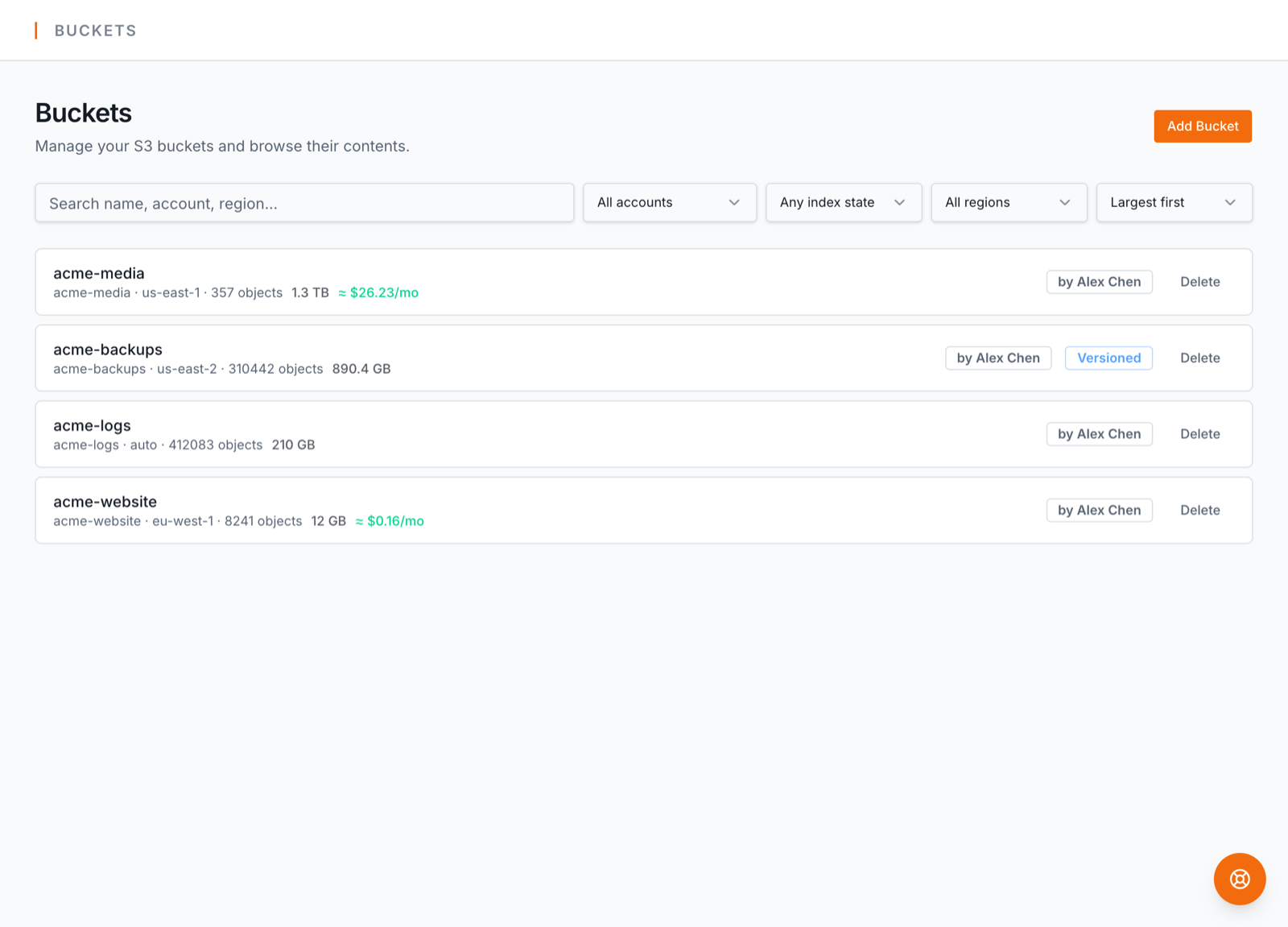
BucketPilot manages Amazon S3, Cloudflare R2, and Google Cloud Storage side by side from one interface — browse, search, and run scheduled backups or migrations between them (including S3 → R2). Amazon S3 is on every paid plan; managing R2 and GCS is a Business feature (see plans).