How to back up an S3 bucket automatically
Set up scheduled, incremental backups of an Amazon S3 bucket to another bucket, region, or account — without scripts.
Do you need to back up S3?
Amazon S3 is durable (99.999999999%), but durability is not backup. It doesn't protect you from the things that actually lose data: an accidental delete or overwrite, a bad deploy that wipes a prefix, ransomware, or a compromised credential. Versioning helps, but it lives in the same bucket and account — if that bucket or account is lost, so are the versions.
A real backup is a separate copy in a different bucket — ideally a different region or a different AWS account — refreshed on a schedule.
The usual options
- •AWS CLI
aws s3 syncon a cron — free, but it's a script you have to host, monitor, secure, and debug when it silently stops. - •S3 Replication (CRR/SRR) — continuous and native, but it only copies objects written after you enable it (no backfill without a batch job), replicates deletes if you're not careful, and is fiddly to set up per-bucket.
- •A managed console — schedule the copy, watch it run, and get told when it fails.
How to do it in BucketPilot
- 1.Connect your AWS account (a one-click CloudFormation role, or an access key).
- 2.Click Discover buckets and import the source bucket and a destination bucket — the destination can be in another region or another account (or create a fresh destination with Create Bucket).
- 3.Create a backup job: pick source and destination, an optional folder, and a schedule (hourly, daily, or weekly). Leave the folder empty to back up the whole bucket; set one and it becomes a partial backup that copies only that folder (see Partial backups).
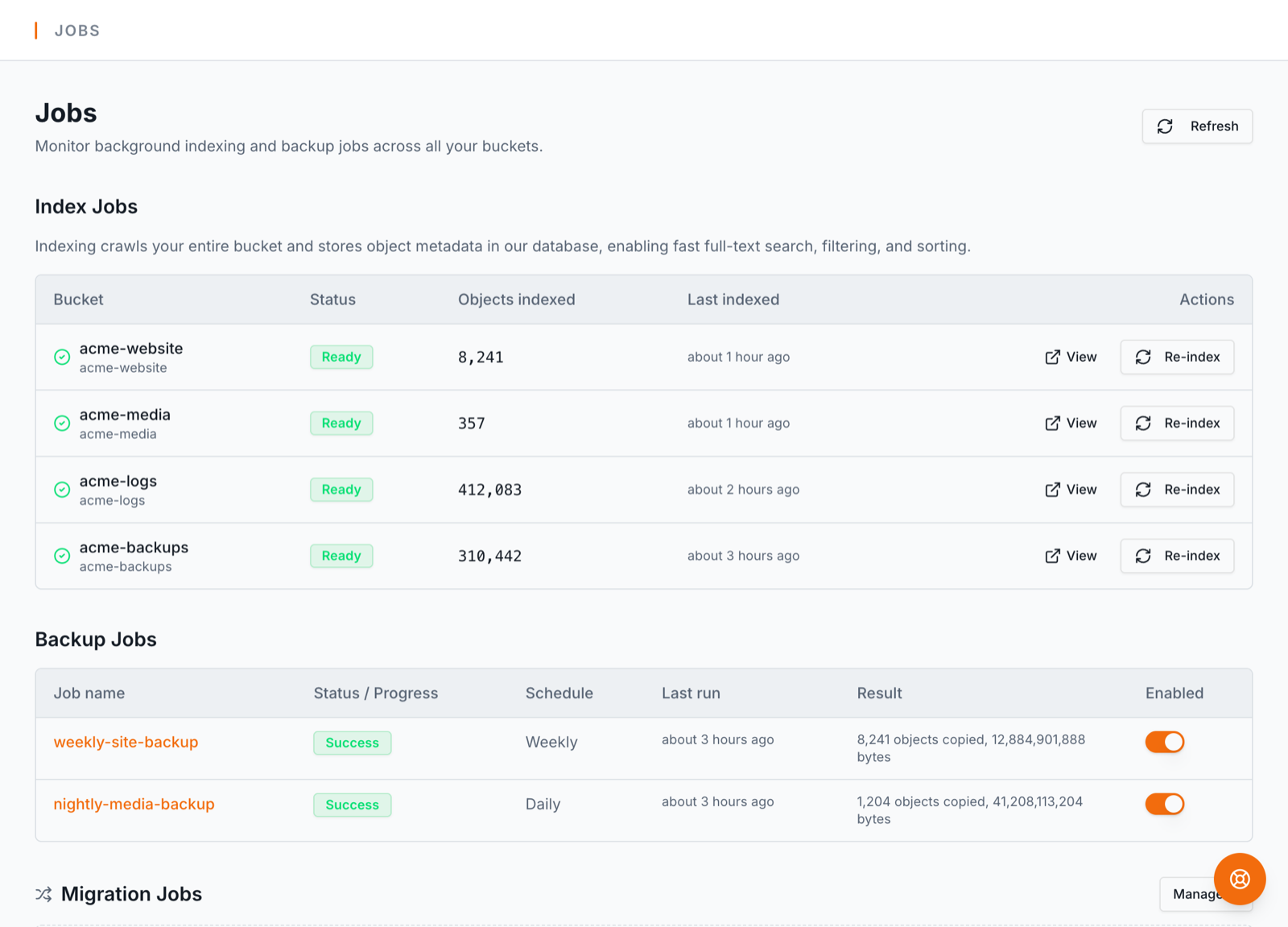
Runs are incremental — each run copies only objects whose size or timestamp changed, so a nightly backup of a large bucket transfers only the day's deltas. Jobs run on dedicated workers, retry transient errors, and record a per-object log; a failed run notifies you instead of failing silently. Files stream straight through, so object size isn't a limit.
Scheduled jobs are a Pro feature. See plans or read the full jobs guide.
Comparing approaches rather than following steps? S3 backup on a schedule covers what a backup job does and does not do, and links on to the cross-account, cross-region and restore cases.