Introduction
What BucketPilot is, everything you can connect to it, and what happens in your first five minutes.
Overview
BucketPilot is a managed console for your object storage — Amazon S3 on every paid plan, plus Cloudflare R2 and Google Cloud Storage on Business. Connect an account, browse and search every bucket in one place, upload and download, run backup and migration jobs on a schedule, and see storage and cost analytics.
Your object data is not persistently stored by BucketPilot — what we keep is metadata (a searchable index of object names and sizes). Browser transfers go directly between your browser and your own storage over presigned URLs, and a migration or backup you configure may temporarily stream data between source and destination without persisting the object contents. Security & privacy →
How it works
You connect a cloud account once with a credential, then add the buckets you want to manage. From there BucketPilot indexes them for search, runs any jobs you schedule, and surfaces cost and health insights. Nothing copies your objects anywhere except the migration and backup jobs you configure yourself — those move data to the destination you name, and keep no copy of their own.
It isn't only cloud buckets. A machine of your own — Linux or Windows — can be connected over SSH and used the same three ways: browsed as a drive alongside your buckets, migrated off, or restored onto. See Connecting your own server.
What you can connect
Everything BucketPilot can be pointed at, and what each one can do once it's connected.
| Buckets you manage | Migration source | Plan | |
|---|---|---|---|
| Amazon S3 | Yes | Yes | Every paid plan |
| Cloudflare R2 | Yes | Yes | Business |
| Google Cloud Storage | Yes | Yes | Business |
| Azure Blob Storage | — | Yes | Business |
| Your own server, over SSH | Yes, as a drive | Yes | Business to use; free to add and test |
| BucketPilot Cloud | Yes | Yes | Billed per GiB, separately from your plan |
Three of those are worth a sentence each, because they're the ones that surprise people:
- •Azure is a source, never a destination. You can copy out of an Azure container into any bucket; you can't manage an Azure container as a bucket, and nothing can be copied into one.
- •BucketPilot Cloud has nothing to connect. It's storage we run for you — create a bucket and it's ready, with no keys, no account and no endpoint to paste.
- •A server of your own is a drive, not a bucket. It behaves like one in the file browser, but it's a real filesystem underneath, which is why it has its own setup page per platform.
R2 and GCS both speak the S3 API, so once connected they work the same way S3 does — with a handful of differences their pages list.
Your first five minutes
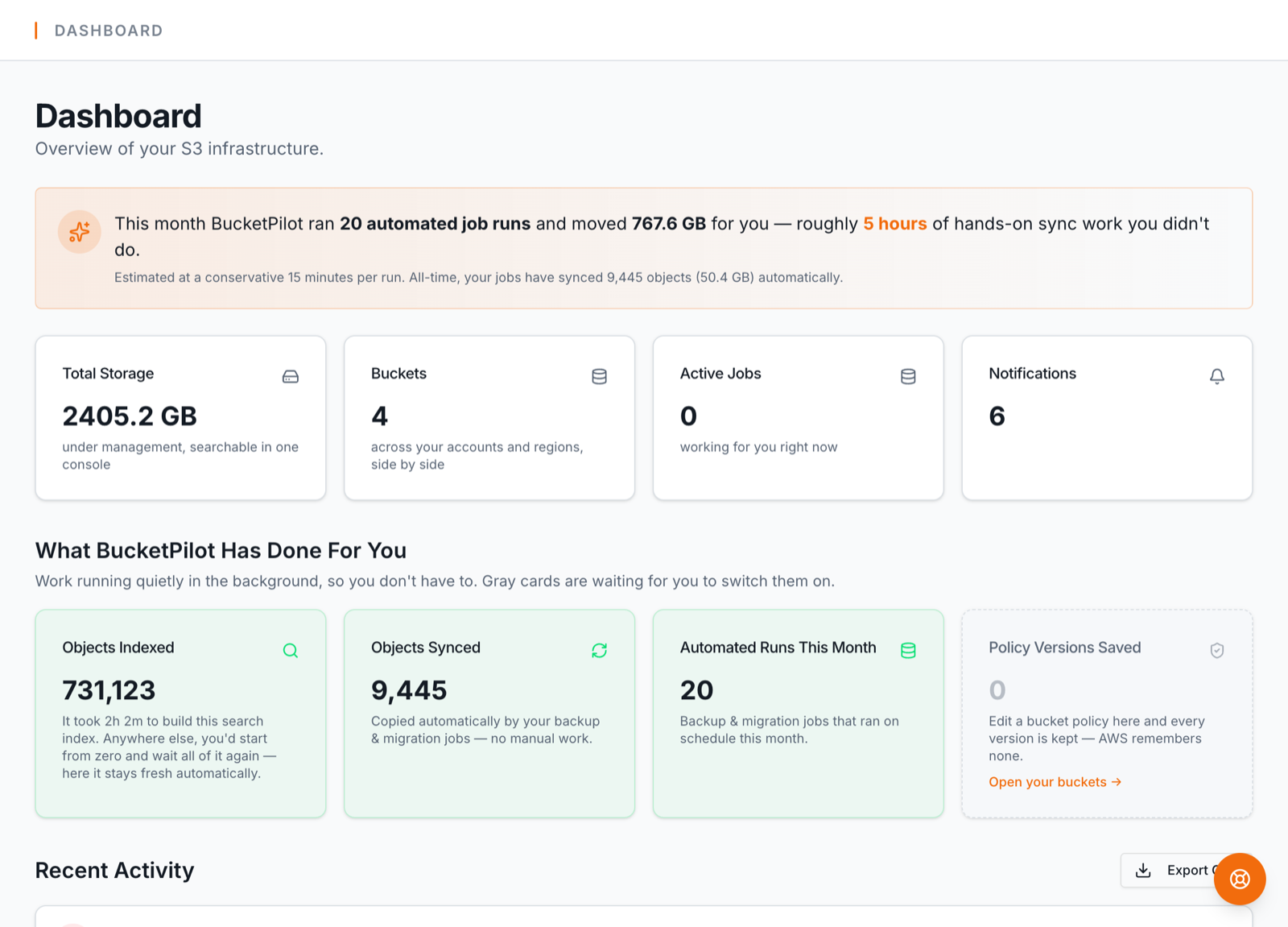
The dashboard shows this same path as a Getting started checklist that ticks itself off as you go:
- 1.Connect a credential — for AWS, use One-Click Connect (a least-privilege CloudFormation role, no keys to copy), or paste an access key. AWS → · Cloudflare R2 → · Google Cloud Storage → · your own server →
- 2.Add a bucket — Discover buckets lists everything the credential can see for one-click import (and guides credentials that can't be listed to connect by name), or Create Bucket provisions a new one. Details →
- 3.Index it — open the bucket and click Index bucket; a few moments later every object is searchable. Details →
- 4.Create a backup job — pick a source, a destination, and a schedule; runs are incremental from then on. Details →