Plans & billing
Plans and what they include, annual pricing, upgrades and downgrades, trials, the free tier, payment, and invoices.
Plans at a glance
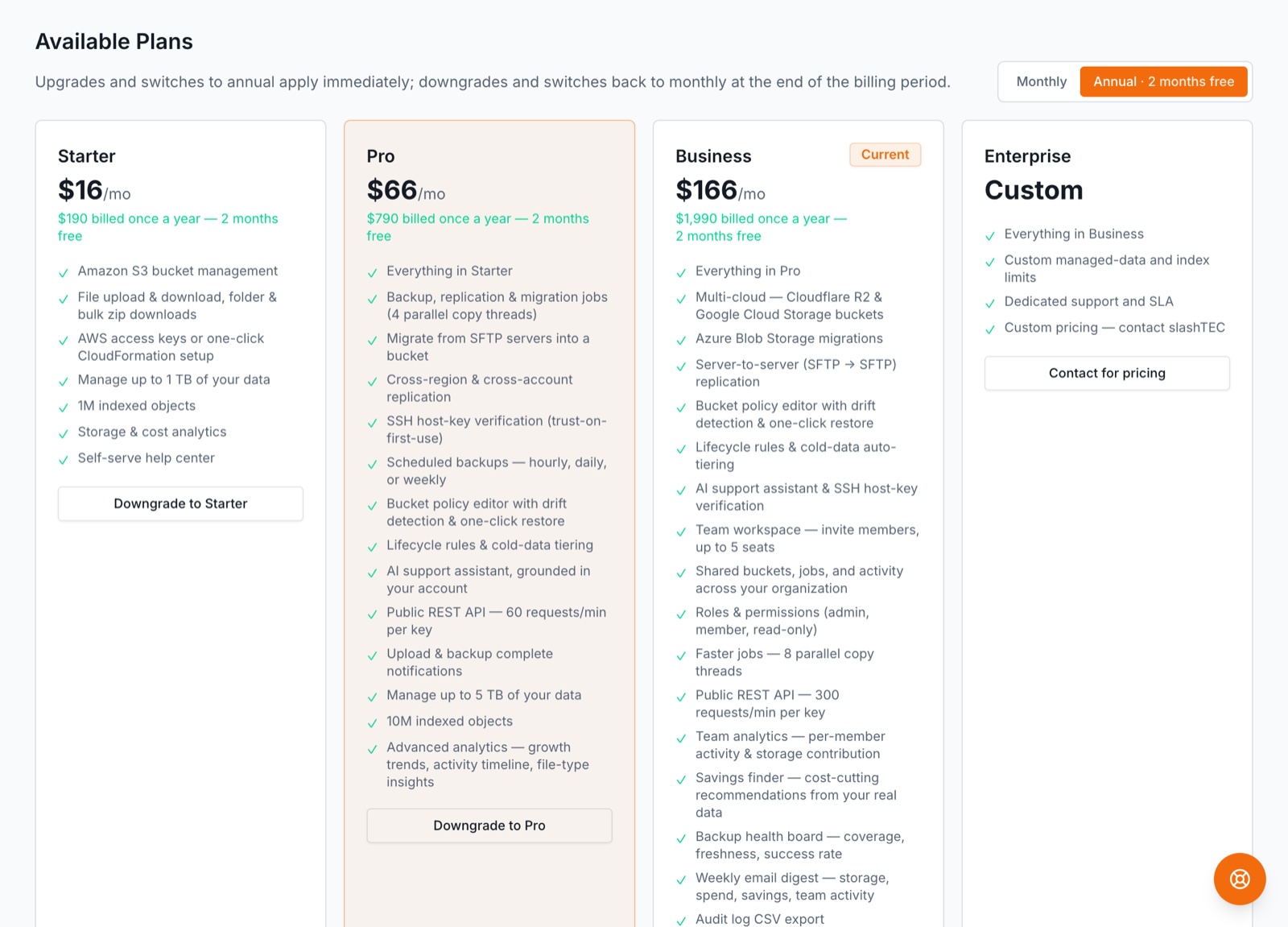
BucketPilot has three paid plans, a read-only free tier, and Enterprise. Prices, limits, and every feature list on this page come from the same catalog the pricing page renders, so they're always current.
| Starter | Pro | Business | |
|---|---|---|---|
| Price | $19/mo | $79/mo | $199/mo |
| Billed annually | $16/mo | $66/mo | $166/mo |
| Indexed objects | 1M | 10M | 50M |
| Buckets re-indexing at once (Index now) | 1 | 2 | 4 |
| Parallel copy threads | — | 4 | 8 |
"Indexed objects" is how many objects can be in the searchable index; it is shown against your plan's allowance on the Billing page. There is no cap on how much data you connect — your files stay in your own storage. Two plans exist outside this table: the free tier ($0 — read-only browse & download when a paid plan lapses, kept for as long as you want it) and Enterprise (custom limits, dedicated support and an SLA — contact slashTEC).
What Starter includes
Starter — $19/mo (or $16/mo billed annually). Full control of your buckets.
- •Amazon S3 bucket management
- •File upload & download, folder & bulk zip downloads
- •AWS access keys or one-click CloudFormation setup
- •1M indexed objects
- •Auto-sync — keep a bucket's index current, hourly or daily
- •Index now — re-index any bucket on demand, 1 at a time (the rest queue)
- •Storage & cost analytics
- •Self-serve help center
Upgrading to Pro — what it unlocks
Pro — $79/mo (or $66/mo billed annually). Automate backups and migrations. Everything in Starter, plus:
- •Backup, replication & migration jobs (4 parallel copy threads)
- •Migrate from your own servers into a bucket
- •Restore any job back to where it came from — bucket or server
- •Cross-region & cross-account replication
- •SSH host-key verification (trust-on-first-use)
- •Scheduled backups — hourly, daily, or weekly
- •Bucket policy editor with drift detection & one-click restore
- •Lifecycle rules & cold-data tiering
- •AI support assistant, grounded in your account
- •Public REST API — 60 requests/min per key
- •Upload & backup complete notifications
- •10M indexed objects
- •Index now runs 2 buckets at a time
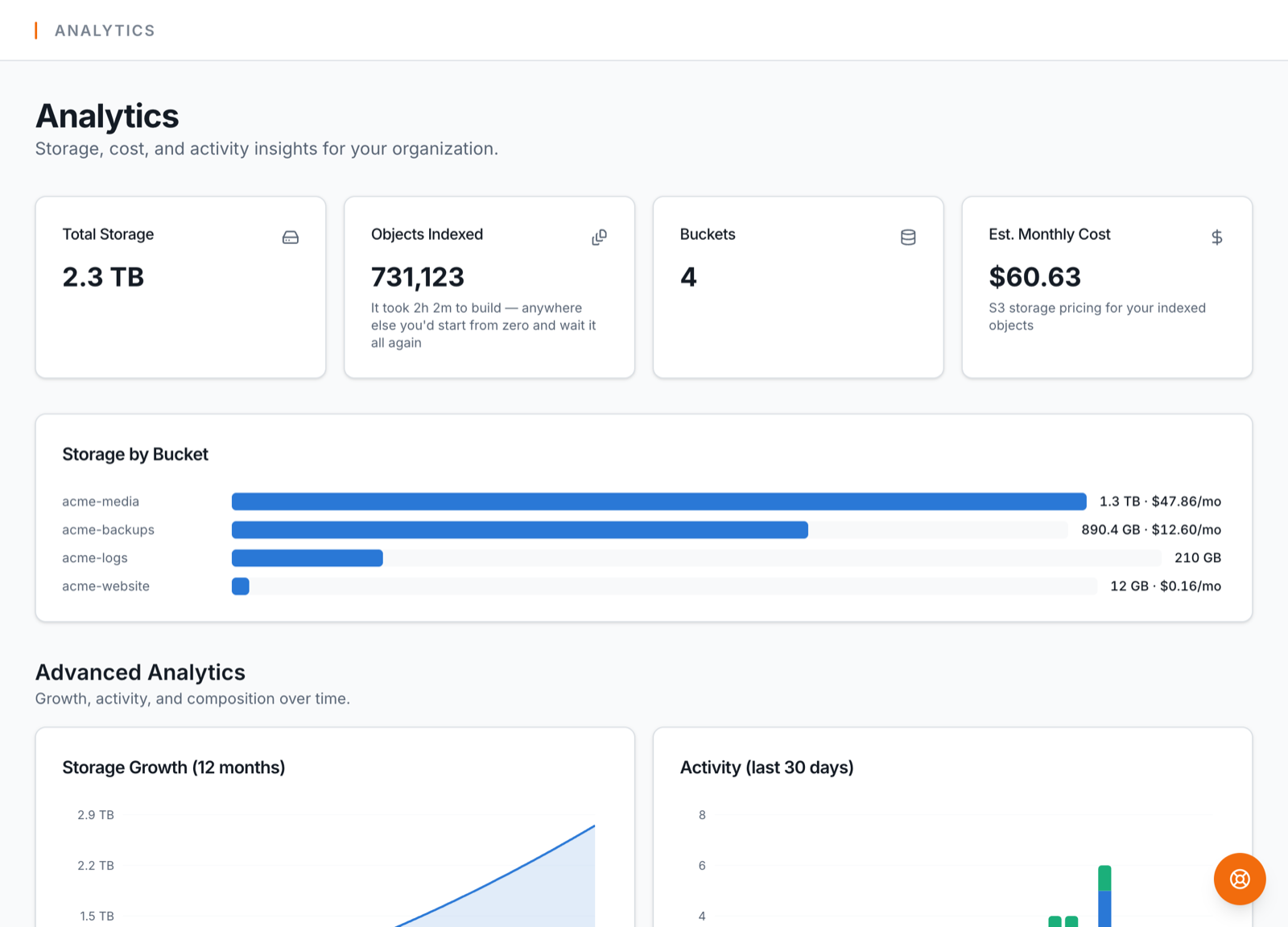
- •Advanced analytics — growth trends, activity timeline, file-type insights
The 14-day trial runs at this level, so you can try every one of these before paying.
Upgrading to Business — what it unlocks
Business — $199/mo (or $166/mo billed annually). Your whole team, one workspace. Everything in Pro, plus:
- •Multi-cloud — Cloudflare R2 & Google Cloud Storage buckets
- •Azure Blob Storage migrations
- •Copy to your own servers — server → server and bucket → server
- •Bucket policy editor with drift detection & one-click restore
- •Lifecycle rules & cold-data auto-tiering
- •AI support assistant & SSH host-key verification
- •Team workspace — invite your whole team, no seat limit
- •Shared buckets, jobs, and activity across your organization
- •Roles & permissions (admin, member, read-only)
- •Faster jobs — 8 parallel copy threads
- •Public REST API — 300 requests/min per key
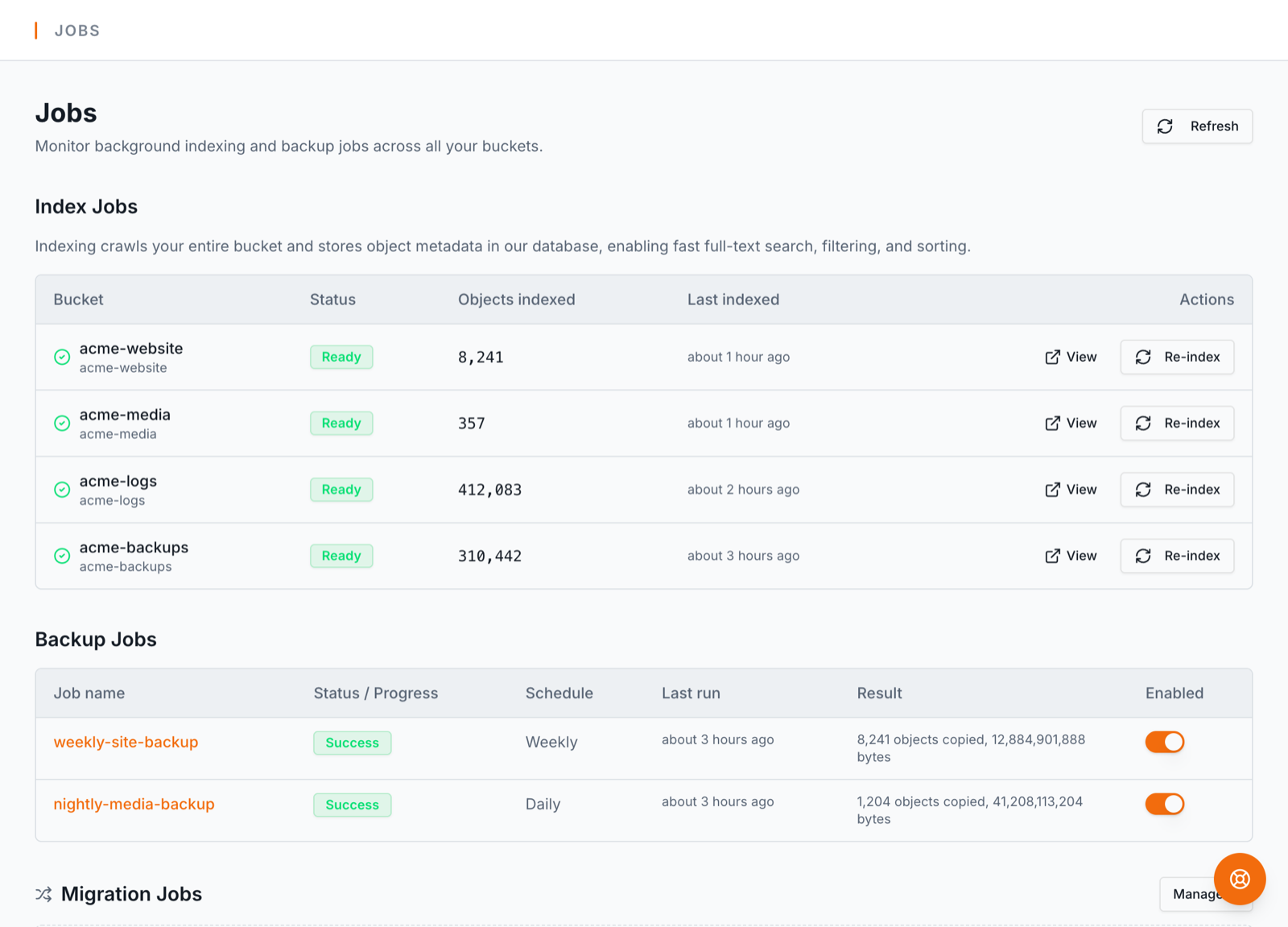
- •Team analytics — per-member activity & storage contribution
- •Savings finder — cost-cutting recommendations from your real data
- •Backup health board — coverage, freshness, success rate
- •Bucket size & cost alerts — email thresholds, as many as you need
- •Weekly email digest — storage, spend, savings, team activity
- •Audit log CSV export
- •50M indexed objects
- •Index now runs 4 buckets at a time
Monthly vs annual
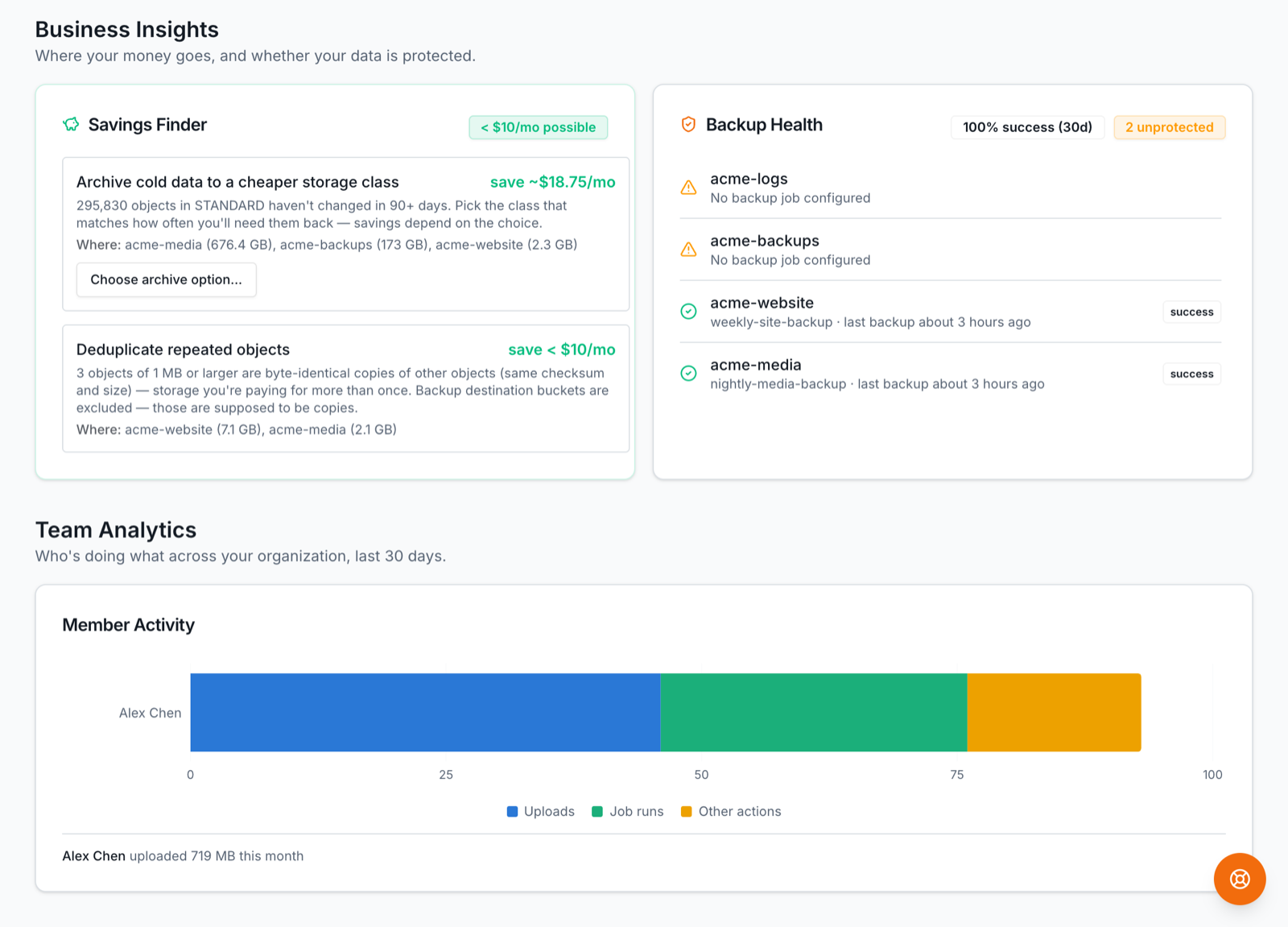
Every paid plan can be billed monthly or annually. Annual is 2 months free — you pay for 10 months and get 12 (Starter $190/yr, Pro $790/yr, Business $1,990/yr). Pricing is shown as the monthly-equivalent (e.g. Pro annual reads "$66/mo"), with the once-a-year total below it.
Switch interval any time from the Billing page — see the next section for how the switch is billed.
Upgrading, downgrading & switching interval
- •Upgrades take effect immediately. You get the new limits and features right away, and Stripe charges a prorated amount for the rest of the current period.
- •Downgrades apply at the end of your current period. You keep what you paid for until then; the lower plan (and its limits) starts at renewal. This also applies to switching from annual to monthly.
- •Switching monthly → annual is treated as pay-more-now and applies immediately with proration; annual → monthly schedules at period end.
Nothing you've stored is ever deleted by a plan change — a downgrade only changes limits and which features are available going forward. If a downgrade would put you over a limit (e.g. more indexed objects than the lower plan allows), existing data keeps working and only new indexing pauses until you're back under the cap.
The 14-day trial
Every new signup starts a 14-day trial with full Pro access — schedules, backups, migrations, the AI assistant, the API, everything Pro. No credit card is required to start. Team (Business) features are the one exception: they need a real Business subscription, not the trial.
You'll get an email a few days before the trial ends. Add a subscription any time from the Billing page to keep access without interruption.
The free tier & data retention
If a trial or subscription ends without an active paid plan, the account moves to the free tier: read-only access to browse and download your imported buckets, so you never lose your view. Jobs and schedules stop, and writes are disabled.
Free-tier accounts are permanent read-only access at no charge — kept for as long as you want them, with no countdown, no expiry date and nothing deleted. You keep read-only access to everything you connected: browse buckets, download objects, read job history. What stops is anything that acts on your behalf — scheduled jobs, migrations and re-indexing pause, and changes are refused until you subscribe again. Re-subscribe any time and everything picks up where it left off. Your own cloud storage is never touched either way — BucketPilot never removes objects in your S3/R2/GCS.
Closing your account yourself is a different thing and still deletes: you ask us to erase the account, and after a 30-day window in which you can undo it, we do.
Payment methods
Add or update your card on the Billing page. Payments run through Stripe — your card details are entered directly into Stripe's secure form and never touch BucketPilot's servers; we store only the card brand and last four digits for display.
Updating your card also retries any open (failed) invoice right away, so a fixed card clears a past-due state without waiting for Stripe's next scheduled retry.
Discount codes
If you have a promotion code, enter it at checkout — there's an "Add promotion code" field on the Stripe checkout page. The discount is applied automatically to that subscription.
Invoices
Your invoice history is on the Billing page, each with a PDF you can download for expense records. Invoices are generated by Stripe on every charge, renewal, and prorated plan change.
Cancelling & resuming
Cancel from the Billing page. Cancellation is at period end — you keep full access until the date you've already paid through, then the account moves to the free tier. Changed your mind before that date? Resume with one click and nothing lapses.
Closing your account
Cancelling stops the money; closing ends the account. Settings → Close your account.
Closing cancels your subscription, signs you out everywhere, and hides your workspace — but deletes nothing for 30 days. Sign back in inside that window and one click restores everything exactly as you left it. After 30 days your BucketPilot account, buckets, credentials, jobs and history are deleted for good, and so is your sign-in.
Two cases are refused, both with a way forward:
- •You own a team workspace. Your plan is what keeps it working for everyone in it, so closing your account would take the whole team read-only. Hand the workspace to another Business-plan admin from the Team page (⋯ Make owner), then close your account. You stay an admin of it either way.
- •You're billed through AWS Marketplace. That agreement isn't ours to cancel — cancel the subscription in the AWS Marketplace console first, then close the account here.
Reopening an account does not restart the subscription; you'd choose a plan again from Billing.
Closing a BucketPilot account never touches your actual buckets or objects at your storage provider. They stay exactly where they are, under your own credentials.
Team billing
A team workspace is billed on the organization owner's Business subscription — individual members don't need their own paid plans; they get Business access while they're in an enabled org. Workspaces include unlimited members — invite as many people as the team needs. If the owner's plan lapses, the workspace becomes read-only until it's renewed. See Teams & workspaces.