Indexing & search
Build a searchable index of your objects and understand plan limits.
Indexing a bucket
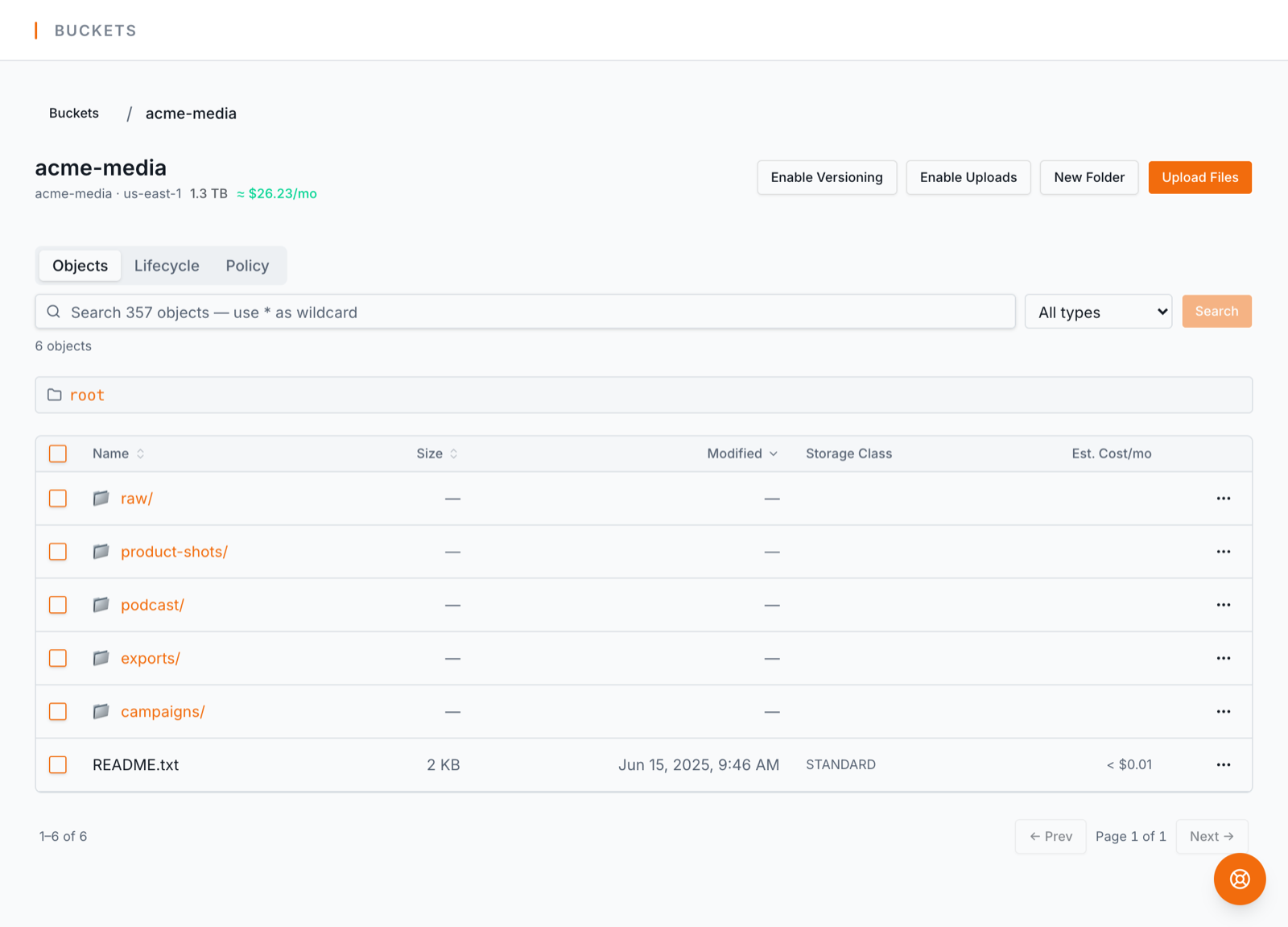
Search, filter, and sort need an index. BucketPilot builds a searchable index of object names, sizes, and storage classes — never the file contents.
- 1.Open the bucket. Unindexed buckets show a "Search not available" banner.
- 2.Click Index bucket. The scan runs in the background — progress shows on the Indexing tab of Backups & Migrations, and you can keep working.
- 3.When the status reaches ready, search, filters, per-folder sizes, and cost estimates light up — and stay current as you upload.
Very large buckets can use S3 Inventory mode instead of live scans, which is cheaper and faster at scale.
Index now, and Index all
Auto-sync keeps an index current on a schedule. When you don't want to wait for the next one, press Index now — on a bucket's row in Buckets & Servers, or beside the auto-sync schedule inside the bucket. It re-scans that bucket straight away, picking up new objects and noticing deleted ones.
Index all (in the page header) queues every bucket in the list as you have it filtered — handy after a big upload day or a clean-up. One confirmation, then a summary of what was queued and what was left out and why (already running, an inventory bucket, at your plan's limit, or a very large bucket that needs its own confirmation).
They queue; they don't all start at once. Each plan re-indexes a limited number of buckets at the same time — Starter 1, Pro 2, Business 4 — so pressing Index all on a hundred buckets starts that many and lines up the rest, oldest first. A queued bucket shows Queued and starts by itself when a slot frees up; you can leave the page. Scheduled auto-sync runs count toward the same number but are never held back by it.
Index limits by plan
Each plan includes a number of indexed objects: Starter 1M, Pro 10M, Business 50M (Enterprise is custom). If you hit the cap, your existing index keeps working and only new indexing pauses — upgrading raises the ceiling instantly.