Why this move is awkward
The copy itself is the easy part — R2 speaks the S3 API, so any S3 client can write to it. What makes the move awkward is that it is never one copy.
You run a first pass over a few million objects. It takes hours. Somewhere in the middle a key with an unusual character fails, or a 40 GB file times out, and the script tells you at the end, as a count. Then the application keeps writing to S3 for another two weeks while you schedule the cutover, so you need a second pass that copies only what arrived since the first — and a third the night you switch. A one-shot script does not have a memory, so each of those passes re-reads the whole bucket, and each one costs AWS egress again.
How the migration runs
- 1.Connect the S3 account. A one-click CloudFormation role with a least-privilege policy, or an access key. Read access is enough for the source side.
- 2.Connect Cloudflare R2. Your account ID and an S3-compatible token from R2 → Manage API tokens. BucketPilot addresses R2 path-style and signs with the region string R2 expects, so you do not configure either.
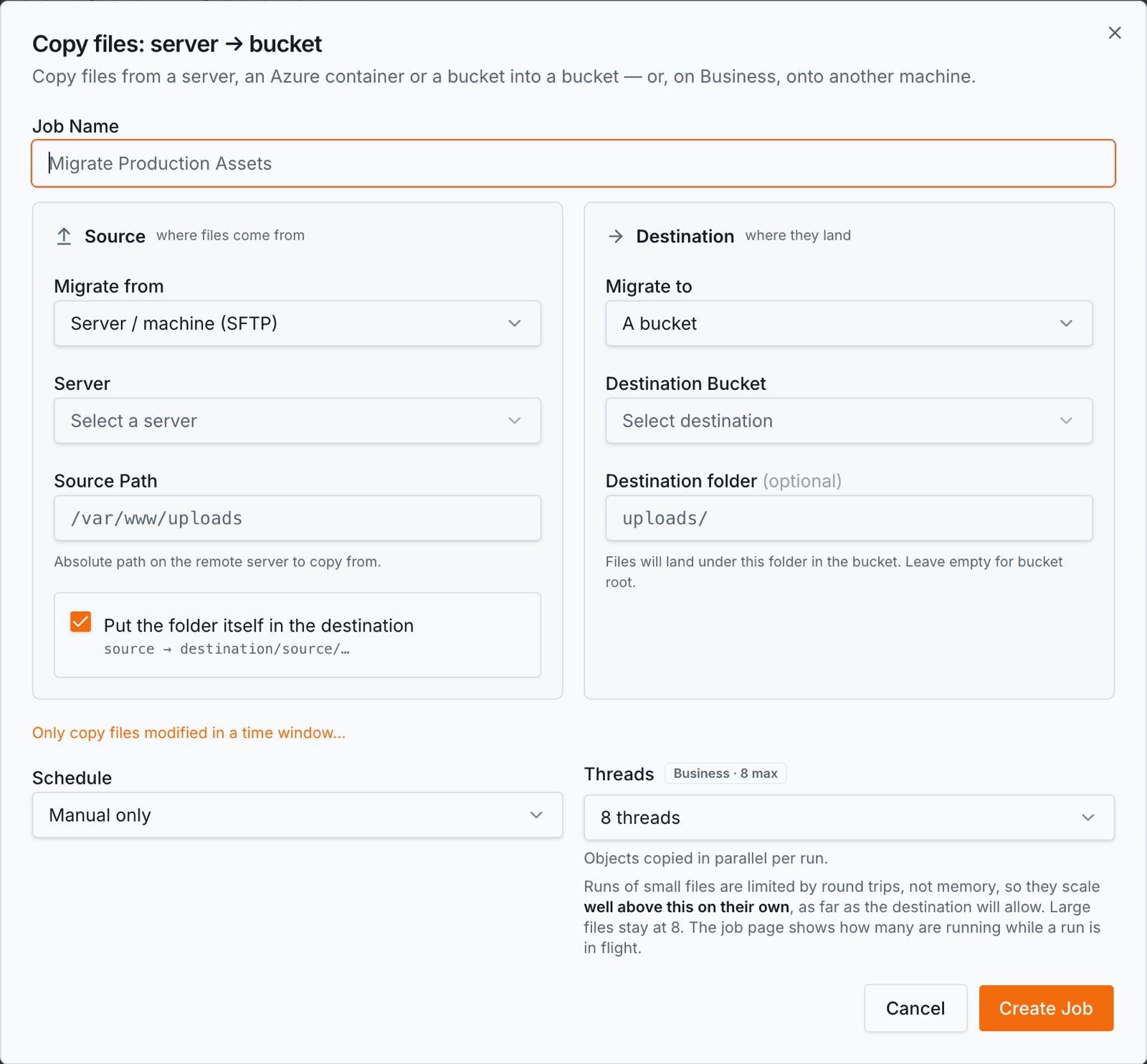
- 3.Create a migration job with the S3 bucket as the source and the R2 bucket as the destination. If the R2 bucket does not exist yet, create it from inside the form.
- 4.Let the first run finish. Objects stream source → destination; nothing lands on disk here. A run that dies mid-way is picked up and resumed, and transient errors retry with backoff.
- 5.Re-run before cutover. Every later run compares the two sides and copies only what is new or changed, which is minutes rather than hours. Run it hourly or daily until the day you point the application at R2.
What is different about R2 as a destination
- •R2 has no object versioning. S3 keeps every version when versioning is on; R2 does not offer it at all. An overwrite at the destination replaces what was there. If your reason for the copy is *protection from deletion* rather than *leaving AWS*, the destination has to be somewhere that keeps versions — see S3 backup.
- •No S3 Inventory on the R2 side. For very large S3 buckets BucketPilot can read an Inventory manifest instead of listing, which is an AWS feature. R2 buckets are always listed directly.
- •Storage classes carry, but there are two of them. R2 has Standard and Infrequent Access, and BucketPilot reads and writes the class per object. The wider S3 class ladder — the Glacier tiers in particular — has no equivalent, and an object already in Glacier has to be restored in AWS before anything can copy it. That is an AWS rule, not ours.
- •Object tags are kept by BucketPilot. R2 answers "not implemented" to the S3 tagging calls, so tags you set here are stored by BucketPilot against the object rather than in R2.
- •AWS still charges you to read. The bytes leave S3, so AWS egress applies to the first full pass and to whatever each later pass copies. Incremental reruns are the thing that keeps that bill finite. R2's own egress is a Cloudflare matter and not something we measure.
What you get while it runs
- •Incremental after the first run — source and destination compared object by object, and only the difference copied.
- •A log per file. Every object that failed is named, with the reason, rather than summarised as a number.
- •Retries and resume. Transient failures back off and retry; a worker that dies mid-run is detected and the run continues.
- •A schedule. Hourly, daily, weekly or monthly, so the gap between the last pass and cutover is as small as you want it.
- •Search across both sides. Index the S3 bucket and the R2 bucket and search them together while the move is in flight — useful for answering "did this actually land".
Credentials and where the bytes go
The S3 side can be a least-privilege CloudFormation role that BucketPilot assumes with a unique ExternalId — no long-lived AWS keys leave your account, and deleting the stack revokes access. R2 uses an S3-compatible token you create and can revoke in Cloudflare.
Credentials are stored encrypted. During a run the objects stream from source to destination and no copy of their contents is kept. Every run, and every credential change, lands in the workspace activity log. Full detail: Security & privacy.
When this is the right move
- •You are leaving AWS for R2 and want the switch to be a scheduled job rather than a weekend.
- •You want a second copy of an S3 bucket outside AWS, and versioning at the destination is not part of what you need.
- •You are moving one prefix at a time and want each one verified before the next.
When it is not. If you need the destination to hold every version of every object, R2 cannot do that and the page you want is S3 backup. If you want a live, continuously-updated copy inside AWS instead, that is replication, not a migration.
Questions
- Does the first run copy everything again if it is interrupted?
- No. The run resumes: what has already been copied is recorded as it goes, and the resumed run picks up from there rather than starting over.
- Can I move one prefix instead of the whole bucket?
- Yes. A migration job takes a source prefix, so you can move one folder, verify it, and then widen the job.
- Will object metadata and content types survive?
- Content type and the object's storage class are carried across. Tags are kept by BucketPilot rather than in R2, because R2 does not implement the S3 tagging calls.
- What happens to objects in Glacier?
- They cannot be copied until they are restored in AWS first — an S3 rule that applies to any tool. The run names them rather than failing silently.
- Do I need Business for this?
- Yes, for the R2 side. Connecting Cloudflare R2 is a Business feature and is not included in the Pro trial. The S3 side, the jobs and the schedules are all Pro.
- How do I know the two sides match at the end?
- Re-run the job: a run that copies nothing is the confirmation, because it compared both sides and found no difference. The run log records what it checked.
Go deeper
Start my S3-to-R2 migration
Connecting Cloudflare R2 or Google Cloud Storage needs the Business plan — it is not part of the Pro trial. Everything else on this page is.