The problem
Cross-account replication in AWS is the right answer and a bad afternoon: a replication role, a bucket policy on the far side, versioning on both ends, a rule, and a way to know when it silently stops. Most teams set it up once, for one bucket, and never again.
First, make sure replication is what you want. A mirror follows the source: a delete or an encrypting overwrite reaches the copy in seconds, which is exactly right for availability and exactly wrong for recovery. If what you actually need is a copy that survives someone emptying the bucket, that is cross-account backup — a scheduled job that never deletes at the destination. The two look alike in a search box and guarantee opposite things; plenty of teams want both, and they are one job each.
> Measured from the product, November 2026: 700M+ objects indexed, 1.4 PB under management, across Amazon S3, Cloudflare R2, Google Cloud Storage and customers' own servers.
What BucketPilot does
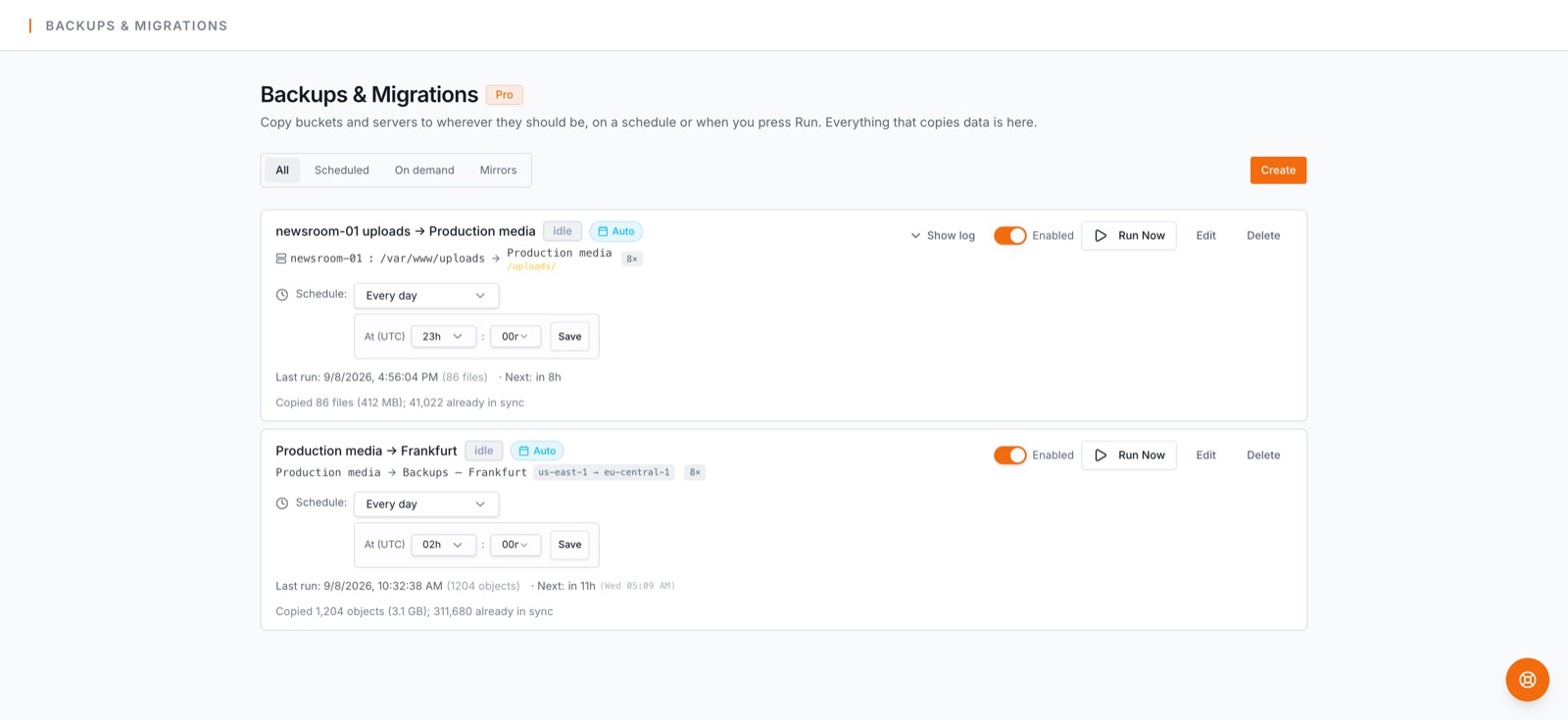
- •Mirror a bucket into another account or region from the backup form: BucketPilot writes the replication rule, checks versioning at both ends and keeps it on — a mirror without versioning is not a mirror — and if the replication role is missing, tells you exactly what to grant instead of failing quietly.
- •Or copy on a schedule when replication is not available — a different cloud, or a destination you do not control — with the same incremental job that runs backups.
- •Know when it stops. Mirror health is checked on a schedule and shown on the bucket; the moment a rule is disabled, deleted or its role revoked you get a notification, and another when it works again.
- •Copy across regions and accounts on demand for a one-off: choose the two buckets, press run.
How to start
- 1.Connect both AWS accounts (or one account, two regions) under Credentials.
- 2.Jobs → Create, source bucket, destination bucket, and choose Mirror. If the destination is new, create it in the form — it is made with versioning on.
- 3.Confirm. Replication starts on the next object written; existing objects can be copied by a first backup run.
Mirrors are on the Pro plan and above.
Questions
- Why does a mirror force versioning?
- Because a mirror faithfully replicates a delete. With versioning on, a delete at the source becomes a delete marker at the destination and every earlier version stays restorable.
- Does it work between S3 and R2 or Google Cloud?
- AWS replication is S3-to-S3. Between clouds, use a scheduled backup job — the same form, the copy runs on a schedule instead of continuously.
- What does AWS charge?
- Replication traffic and requests at AWS's published rates. BucketPilot sets it up and watches it; the data path is AWS's own.
Go deeper
Mirror a bucket
Full Business access for 14 days. No card. Connect an account in seconds.