The problem
Somewhere on your network there is a folder that things write files into: a scanner, an export job, a camera, a vendor's SFTP drop, a nightly dump. Getting those files into a bucket is almost always the same small script: aws s3 sync in a cron job, an access key pasted onto the server, and nothing that tells you on Monday morning that Friday's files never went.
The key is the part that bites. It sits in a file on a machine that was never meant to guard credentials, it can usually delete as well as write, and it is still valid the day somebody leaves.
What BucketPilot Drop does on a server
bucketpilot-drop is a single program with nothing else to install — no Node, no runtime. You point it at a folder and a bucket; a service watches the folder and uploads what lands in it.
- •You, not a key. Sign-in is a code you approve from a browser on any device, so the server never holds an access key. It can write exactly where you can write and nowhere else, and each server is listed under Settings → Connected devices, where one click disconnects it.
- •One way. Files go in. The program has no way to delete anything from your bucket.
- •Safe with half-written files. A file is uploaded once it has stopped growing, large files go up in parts and carry on after a dropped connection, and nothing appears under its final name until it is whole.
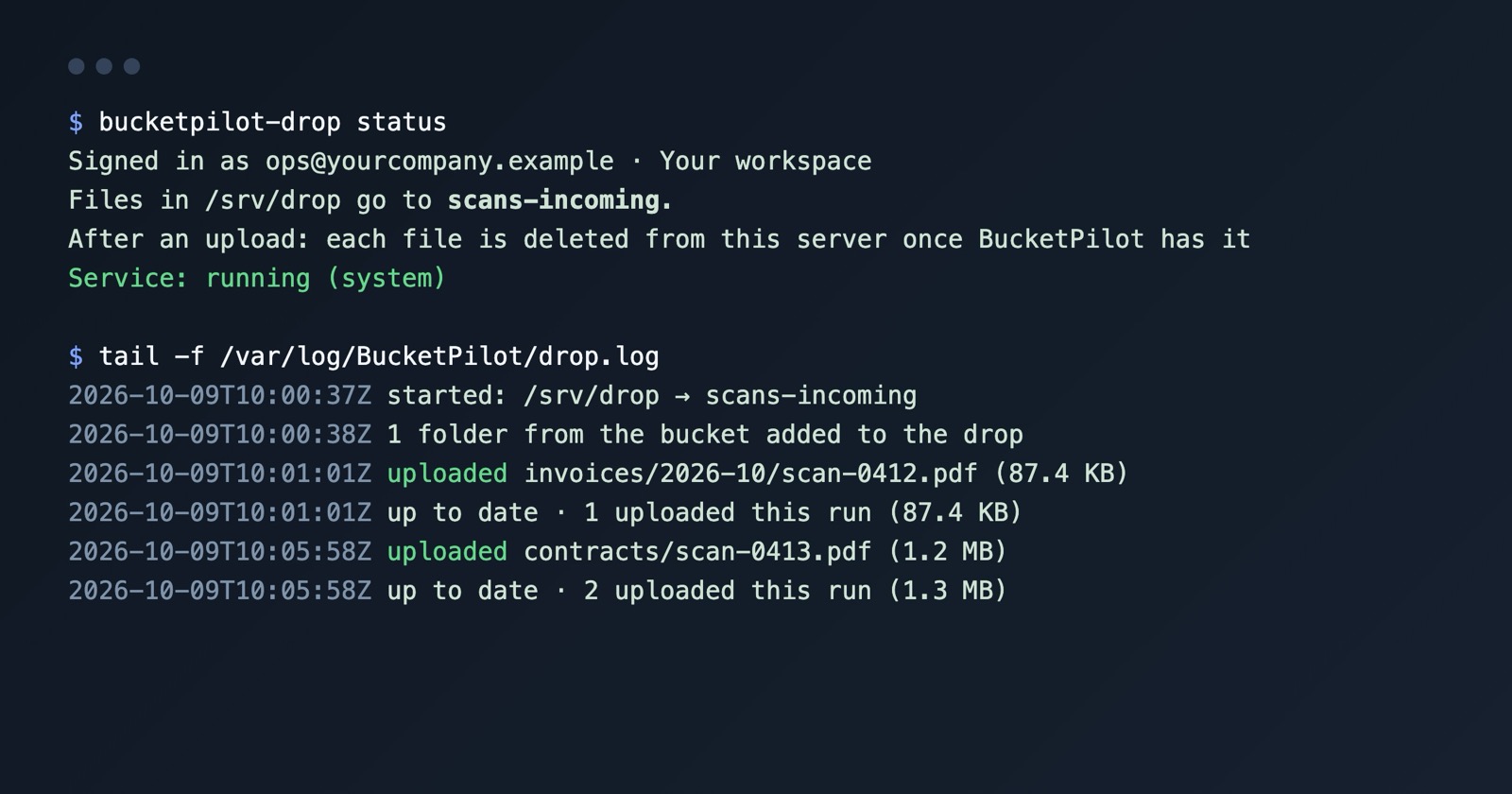
- •Tidy by default. A file is removed from the server only after BucketPilot has confirmed it, and never after a failed upload. Prefer to keep them:
--after-upload keep. - •Folders both ways. The bucket's folders appear in the drop, and a folder you make there is created in the bucket.
- •A log you can read. Every file that went up and every failure with its reason, in
/var/log/BucketPilot/drop.log.
How to start
Three commands on the server, one browser approval:
curl -fsSL https://packages.bucketpilot.io/install.sh | sudo sh -s -- --server
bucketpilot-drop login
bucketpilot-drop connect <bucket>
login prints an address and a code — open the address on your laptop, signed in to BucketPilot, and approve. connect starts a systemd service, so a file put in the folder uploads without anyone running anything. Updates arrive with your normal system updates, from a signed package repository you can browse here. The full setup, options and troubleshooting are in the BucketPilot Drop docs.
It runs on x86-64 and arm64 Linux (Debian, Ubuntu, Fedora, RHEL and relatives).
What it is not
- •Not a sync. Nothing is pulled back down to the server, and a file deleted in the bucket is not restored to the folder.
- •Not a migration. If you want to copy a server's whole existing file tree into a bucket once — or on a schedule, with the server connected over SSH and nothing installed on it — that is a different job with its own page: migrate a server to S3. Use that for a tree that already exists; use the Drop for files that keep arriving.
- •Not for the web app's own uploads. People uploading from a browser use the file browser; the Drop is for machines.
Two narrower cases have their own pages: scan to S3 for scanners and copiers that save to a network folder, and media ingest to S3 for camera footage and render output.
Questions
- Does it need an access key on the server?
- No. The server signs in with a code you approve in a browser, and the connection is listed under Connected devices where you can disconnect it.
- What happens to a file after it uploads?
- By default it is removed from the server once BucketPilot has confirmed it — never after a failed upload. Use --after-upload keep to leave files where they are, or move:/some/folder to move them.
- Can it delete from my bucket?
- No. It uploads and, after confirmation, tidies its own local folder. It has no way to delete an object.
- What if the connection drops mid-upload?
- Large files go up in parts and continue from the last part; a failed file is retried and the reason is in the log.
- Does it work with my bucket?
- Any bucket or server drive in your BucketPilot workspace that you can upload to: Amazon S3, Cloudflare R2 and Google Cloud Storage on the plans that include them, BucketPilot Cloud, or a connected server drive.
- What does it cost?
- The program is included; it needs a BucketPilot plan that can upload (every account starts with a 14-day trial). A read-only role cannot connect a server.
Go deeper
Start free for 14 days
Full Pro access for 14 days. No card. Connect an account in seconds.