The problem
Media files are big, they arrive in bursts, and they are copied in by hand or written by a machine that does not tell anyone when it is finished. A script that uploads on a timer will happily send a clip that is still being copied; one that retries from zero turns a dropped connection at 90 percent of a 40 GB file into a lost evening.
And the ones who copy the footage in are editors and assistants, not people who should be handed a storage key.
How it behaves with big files
bucketpilot-drop runs on the ingest server and watches the folder the footage lands in.
- •Only whole files. A file is picked up once it has stopped growing, so a copy still in progress is never sent half-written.
- •Parts that resume. Large files go up in parts; if the connection drops, the next attempt continues from the last part instead of starting again, and the file does not appear in the bucket until it is complete.
- •Several at once. Three uploads run at a time by default;
--concurrencytakes it up to 16 where the line can carry it. - •Folders carry through. The project structure you copy in —
ProjectX/Day03/A-cam/— is the structure in the bucket, and folders made on the server appear in the bucket (and the bucket's folders appear on the server). - •Free the disk. Once BucketPilot has confirmed a file it is removed from the ingest server, so a busy week does not fill the volume.
--after-upload keepormove:/archiveif you want it kept locally. - •People do not need a key. Whoever sets it up signs in with a code approved in a browser; nobody pastes access keys onto a shared machine.
How to start
curl -fsSL https://packages.bucketpilot.io/install.sh | sudo sh -s -- --server
bucketpilot-drop login
bucketpilot-drop connect <bucket> --folder /mnt/ingest --prefix footage/ --concurrency 6
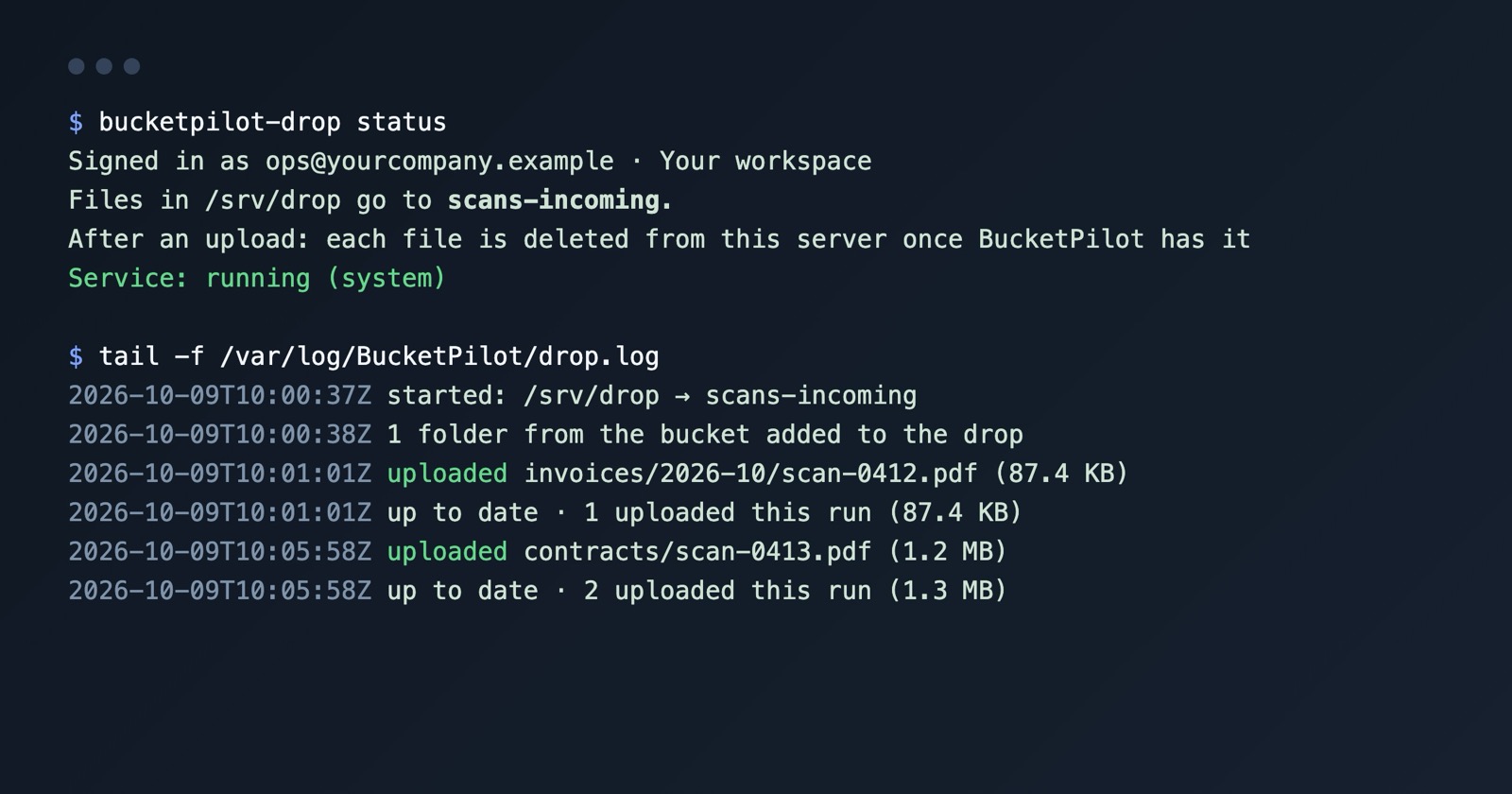
Copy a clip into /mnt/ingest: once it stops growing it goes up, and /var/log/BucketPilot/drop.log says when it has arrived. Everything it can do is in the BucketPilot Drop docs; the general case is upload a Linux folder to S3 automatically.
On a desk rather than a server? There is a desktop app for Mac, Windows and Linux that puts a drop folder (a drive, on Mac and Windows) on the machine itself — see the docs page above.
What to know
- •It is a one-way upload: nothing is pulled back to the server, and it cannot delete anything from the bucket.
- •A server needs outbound HTTPS; a very slow line simply takes longer — large files keep their progress between attempts.
- •The ingest server needs to be Linux, x86-64 or arm64; Windows and Mac machines use the desktop app.
Questions
- What happens if the connection drops during a 40 GB file?
- Large files go up in parts. The next attempt continues from the last completed part; the object does not appear in the bucket until it is whole.
- Will it send a file that is still being copied in?
- No. A file is uploaded once it has stopped growing for a couple of seconds.
- Can editors use it without access keys?
- Yes. The server signs in with a code someone approves in a browser; nobody types a key, and each server shows under Connected devices where it can be disconnected.
- Does it keep the folder structure?
- Yes — folders under the watched folder become the same prefixes in the bucket.
- How many uploads at once?
- Three by default, up to 16 with --concurrency.
Go deeper
Start free for 14 days
Full Pro access for 14 days. No card. Connect an account in seconds.