Azure Blob Storage to Google Cloud Storage, without a script
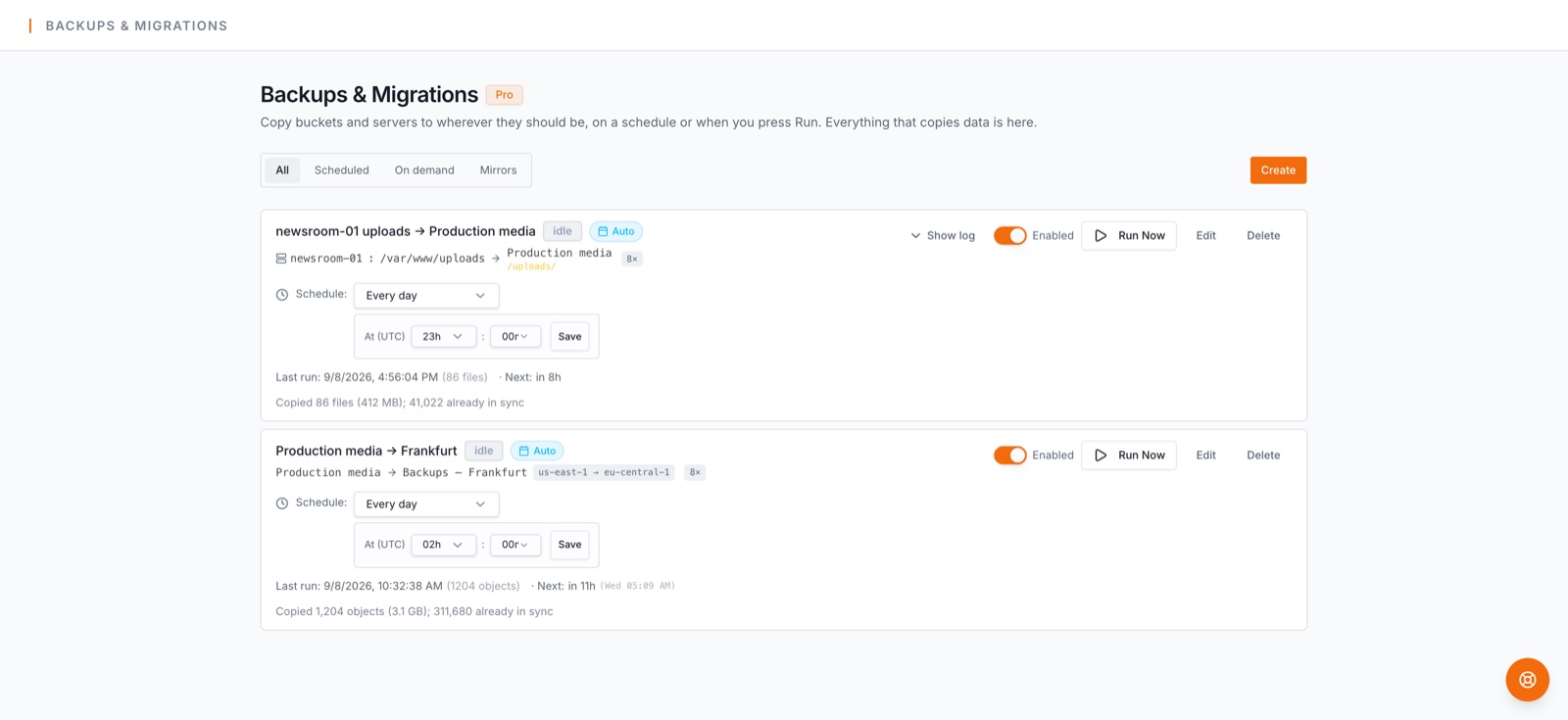
Moving from Azure Blob Storage to Google Cloud Storage usually means a script somebody wrote once and a weekend of watching it. This job replaces the script: it copies everything, resumes if interrupted, and can be run again right before the switch to catch what changed.
Before you start
This job runs on the Business plan (Cloudflare R2 and Google Cloud Storage buckets, Azure sources and server destinations are Business features). Every account starts with a 14-day trial of Pro; see plans.
Step by step
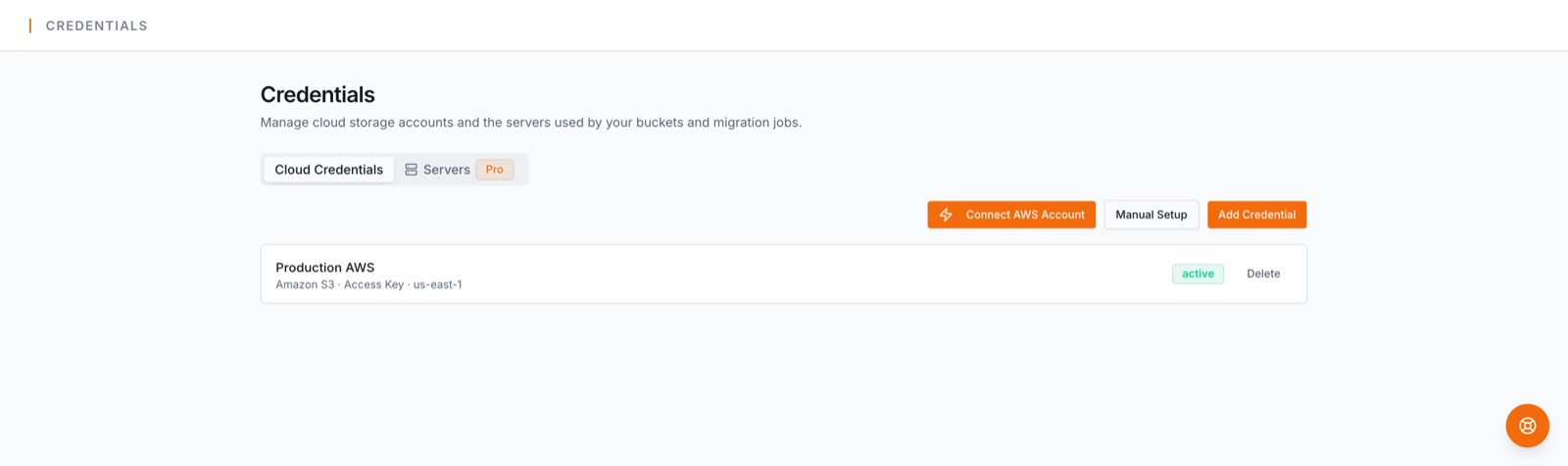
- 1.Connect the source. Under Credentials, add the storage account's connection string (or a SAS with read and list rights). The container is chosen on the job.
- 2.Connect the destination. Create an HMAC key for a service account with Storage Object Admin on the bucket and add it under Credentials. Then import the bucket under Buckets & Servers, or create one there.
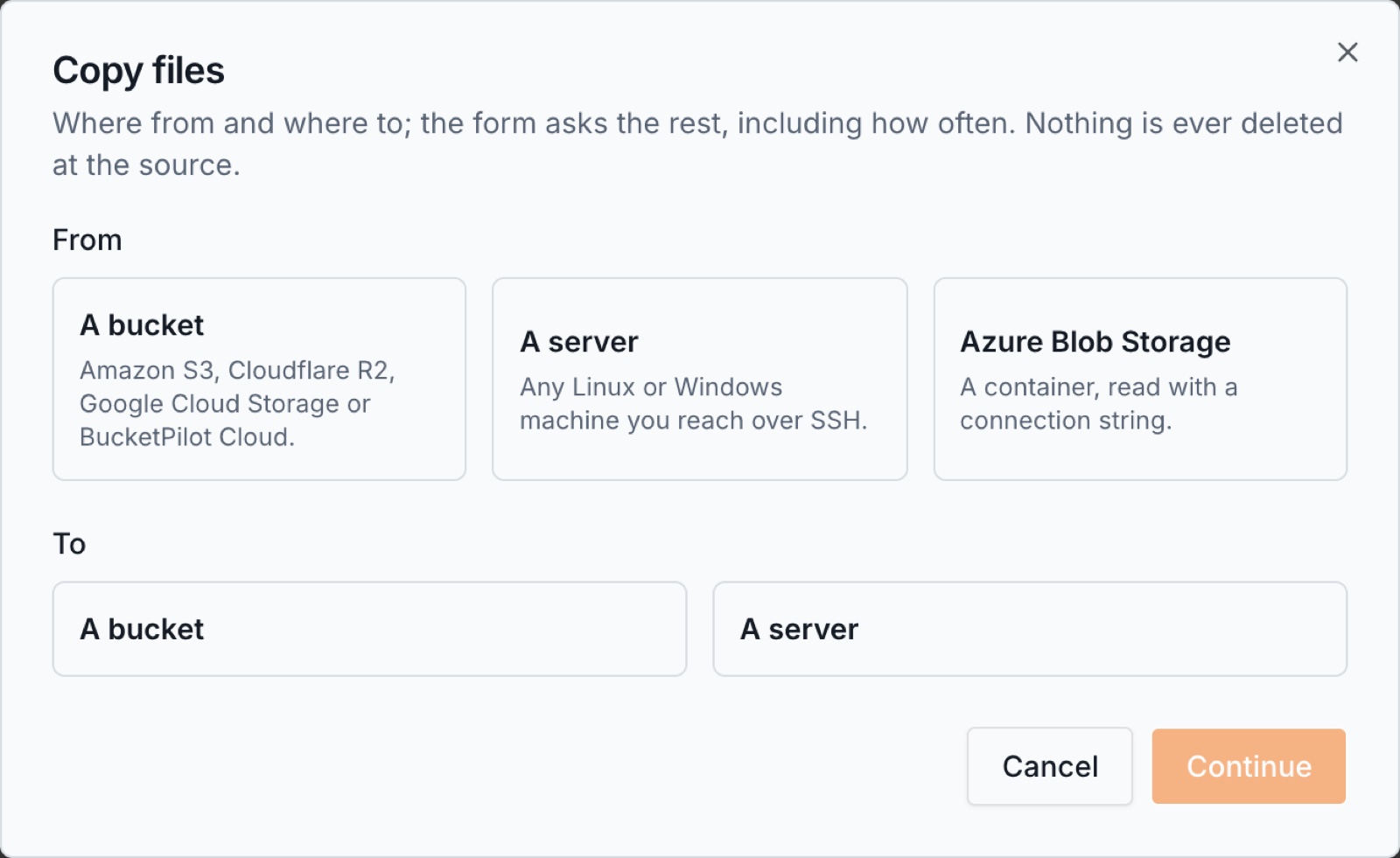
- 3.Open Backups & Migrations and press Create. Choose Azure Blob Storage as the source and A bucket as the destination, then Continue.
- 1.Pick the Azure credential and type the container, and a folder inside it if you want only part of it.
- 2.Pick the destination bucket and, if you like, a folder inside it where the files land.
- 3.Leave the schedule on manual for a one-time move, or set one if the source keeps receiving files and you want them to follow. Choose how many files copy in parallel (threads); eight is a good default for a busy server.
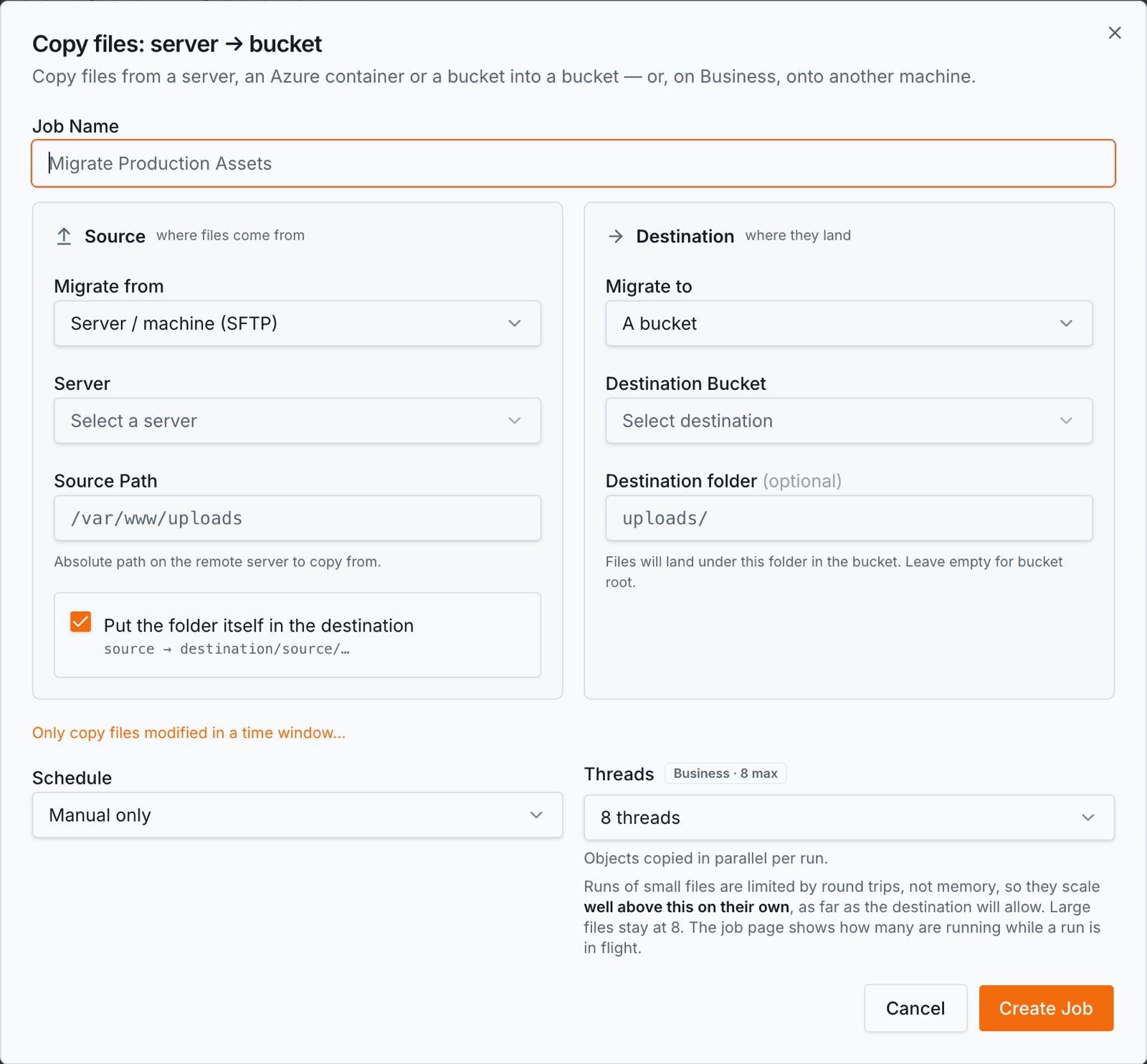
- 1.Press Create Job, then Run now. The first run copies everything; every run after it copies only what changed.
What happens on each run
Every run is incremental: a file is copied only if its size or timestamp differs from the copy, so a nightly run of a large source moves only the day's changes and finishes in minutes.
When both ends are on the same provider the copy happens server-side and the bytes never leave that provider; between providers, BucketPilot streams each file through, without keeping it.
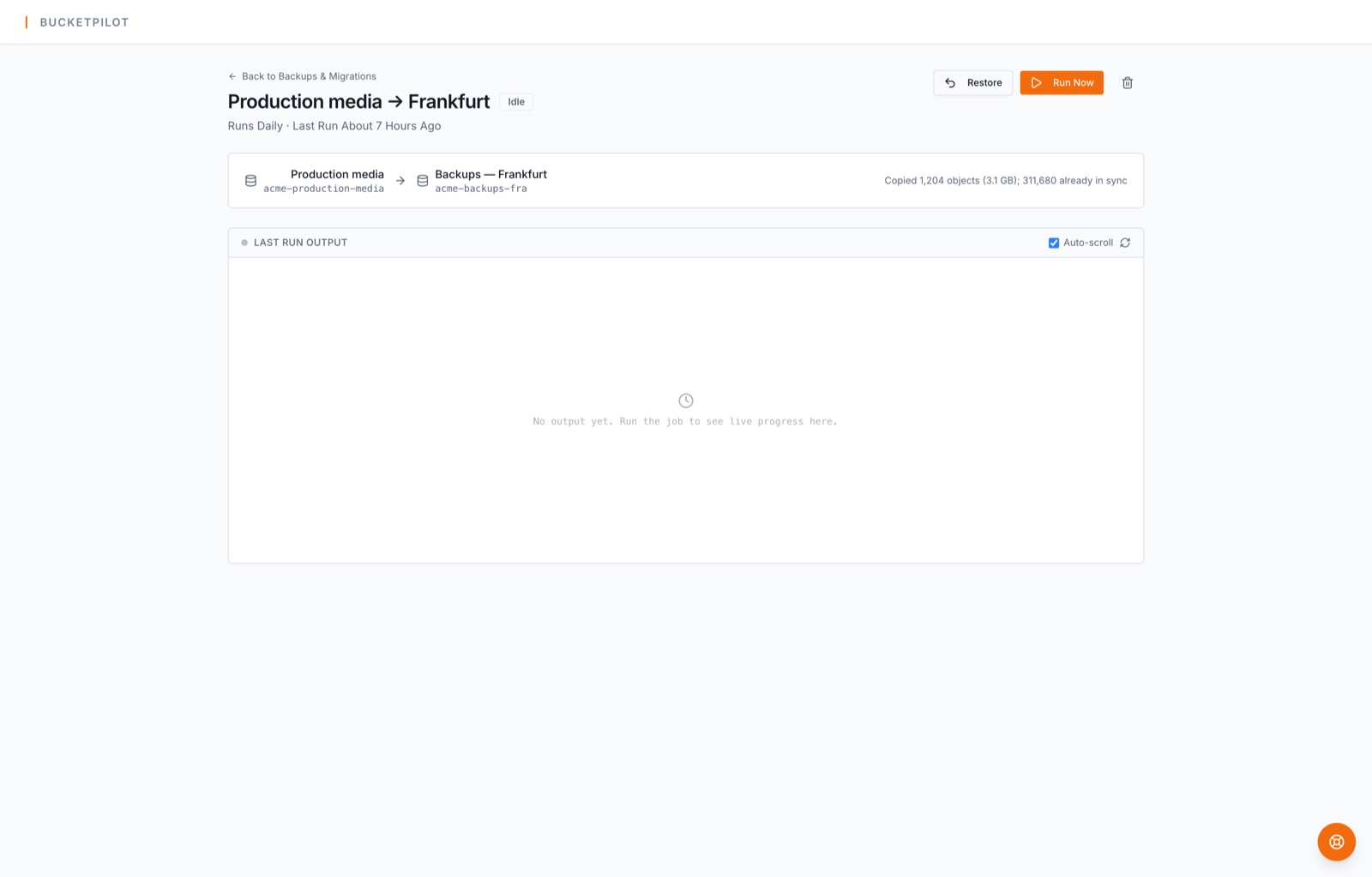
You can watch it: live progress on the job, a per-file log, and an email when a run finishes or needs attention. Transient errors retry with backoff; a run that fails outright is reported, never silently skipped.
Google Cloud Storage has no object versioning, so the copy holds the latest version of each file. Nothing is ever deleted at the destination by a backup, so a file removed at the source stays in the copy until you remove it yourself.
What it costs
| Leaving Azure Blob Storage | Microsoft charges for data leaving Azure after the first 100 GB a month. |
| Storing at Google Cloud Storage | Cloud Storage is billed per GB-month, with Nearline, Coldline and Archive classes for data you rarely read. |
| BucketPilot | Your plan; no per-GB fee for the copy itself. |
Getting files back
Every job has a Restore button: it copies from the destination back to the source, only what is missing there, never overwriting a newer file and never deleting anything. A backup you cannot restore from is not a backup, so this is part of the job, not a separate product.
Questions
- Can I keep the source in use during the move?
- Yes. Run the job once to copy everything, keep working, then run it again just before you switch over: the second run copies only what changed since the first.
- What will it cost?
- Microsoft charges for data leaving Azure after the first 100 GB a month. Cloud Storage is billed per GB-month, with Nearline, Coldline and Archive classes for data you rarely read. BucketPilot charges by plan, never per GB copied.
- What about very large files?
- Objects are copied in parts and a run resumes where it stopped. Single objects up to 5 GB copy as one object; larger ones are copied part by part by the provider.
- Does BucketPilot keep my files?
- No. Your files are copied from your source to your destination and are not stored by BucketPilot. We keep metadata — names, sizes, timestamps — to run the job and to make the copy searchable. Credentials are encrypted at rest.
Related
- Docs: migrate azure to s3
- Docs: jobs
- How to back up Amazon S3 to Google Cloud Storage
- How to back up Cloudflare R2 to Google Cloud Storage
- How to back up Google Cloud Storage to another Google Cloud Storage bucket
- How to back up BucketPilot Cloud to Google Cloud Storage
- How to back up a Linux server to Google Cloud Storage
- How to migrate a Linux server to Google Cloud Storage
Set up migrate azure blob storage to google cloud storage today
Full Pro access for 14 days. No card. Connect an account in seconds.