Getting data back out is the direction nobody builds for
There is a tool, a tutorial and a managed service for every route into object storage. Coming the other way — a bucket onto a machine in your own rack — is a shell loop on a box somebody has to remember to check: no record of what arrived, no idea what is left, and a restart from the beginning when the link drops at eighty percent.
It is also the direction with the highest stakes, because the reasons for it are: an offline copy that a compromised cloud credential cannot reach, an archive that has to sit on hardware you own, or leaving a provider entirely.
What BucketPilot does
- •Any bucket you have connected is a source — Amazon S3, Cloudflare R2, Google Cloud Storage or BucketPilot Cloud — and the destination is a Linux machine reached over SSH/SFTP.
- •Nothing is installed on the server. It is an SSH key you authorise and can remove; every connection comes from one fixed address, 3.111.107.194, so the port need not be open to the internet.
- •Object keys become a directory tree.
invoices/2026/03/final.pdfarrives as those folders and that file under the path you chose. - •Re-runs carry only the difference. A file already on the server is skipped on size and modification time — rsync's quick check — which also catches a file rewritten to the same length, the usual shape of a log or a database dump.
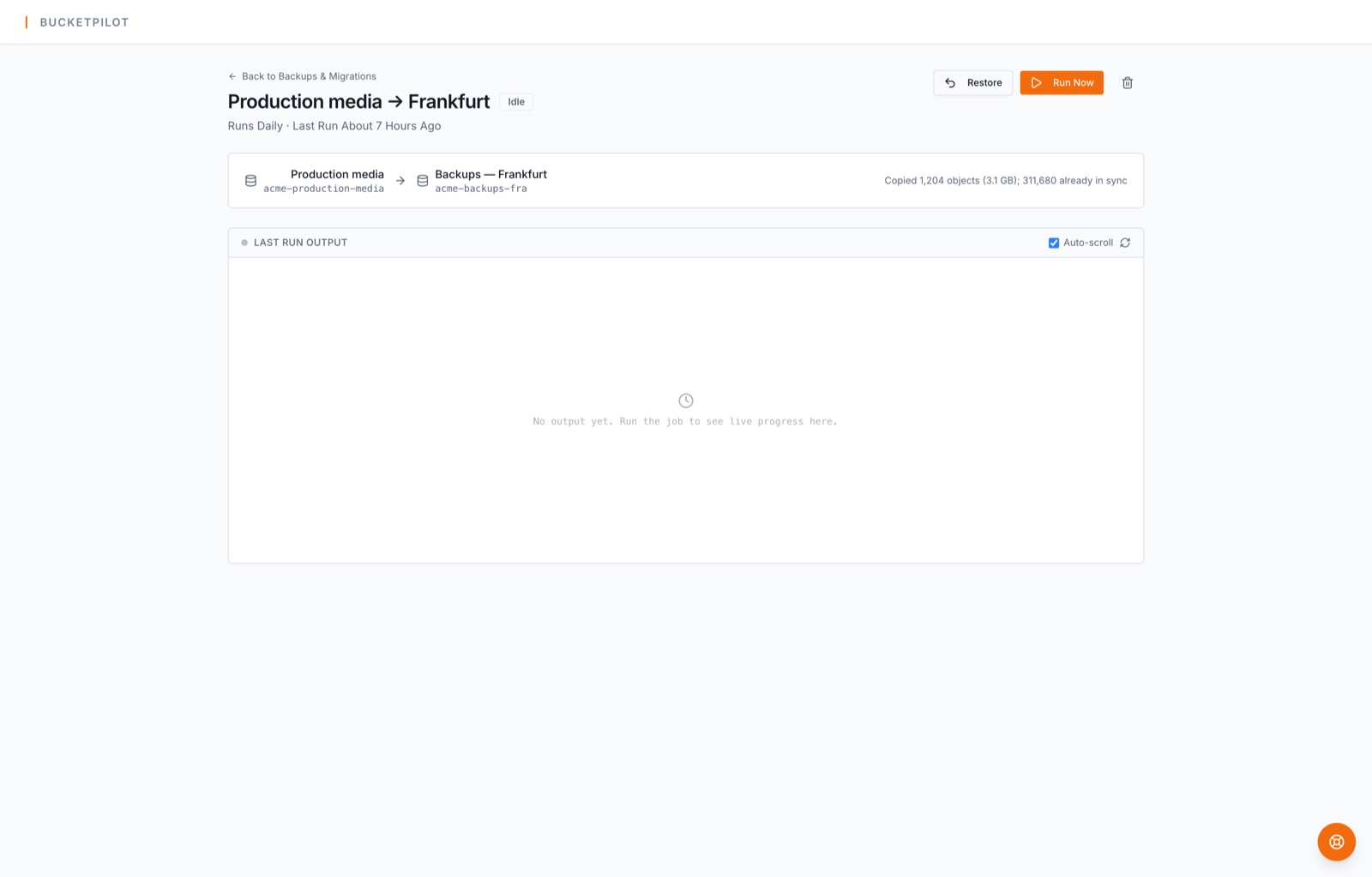
- •A line in the log for every object, live progress, per-file retries, and a run that resumes rather than restarting.
How to start
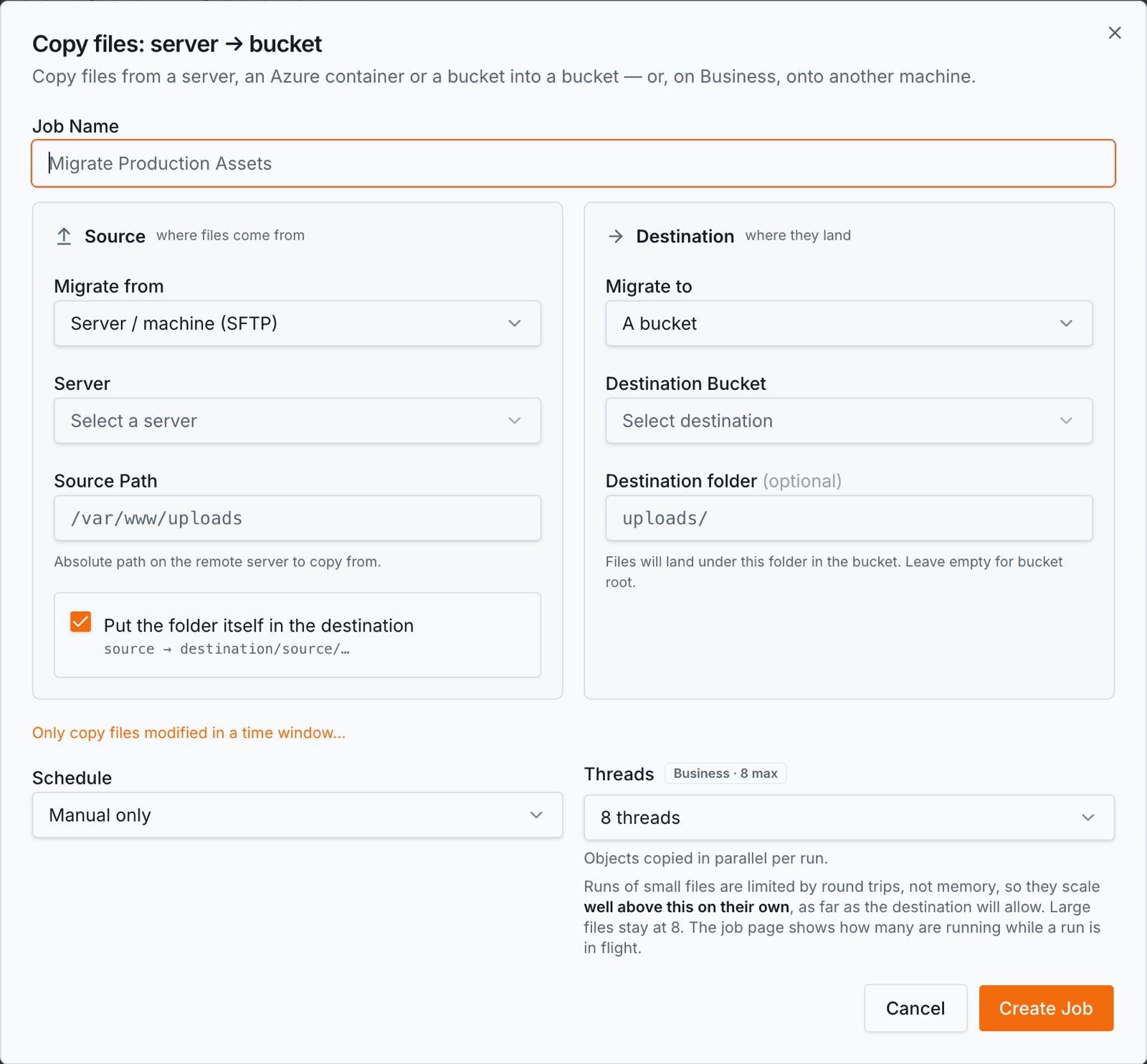
- 1.Add the machine under Buckets & Servers → Add server: host, port, user, and the key BucketPilot shows you to authorise. The connection is tested before it is saved.
- 2.Open Backups & Migrations → Create, choose A bucket as the source and A server as the destination, then the bucket, the folder inside it if you want only part, and the path files land in.
- 3.Leave the schedule on manual for a one-time pull, or set one to keep the copy current.
Copying to a server is on the Business plan. Connecting the machine and testing it is not gated — you can do that before you decide.
What is different about a filesystem as the destination
- •A filesystem has no versions. A bucket destination can keep every version of every object; a directory keeps one copy of each file, and a second run that finds the object changed overwrites what is there. If your reason for the copy is protection from a deletion or an overwrite, the destination has to keep versions — that is S3 backup, not this.
- •Nothing is ever removed from the server. A file deleted in the bucket stays on the disk until you remove it yourself. That is deliberate: the copy is the thing you keep, and a job that propagates deletions is a mirror, not an archive.
- •Egress is the cost that decides the schedule. Leaving a bucket is billed by the provider, not by us: Amazon S3 and Google Cloud Storage charge per GB out, Cloudflare R2 charges nothing, and BucketPilot Cloud has no transfer fee. A nightly pull of a large bucket on S3 is a bill; a nightly pull of the same bucket on R2 is not.
- •The disk has to be big enough, and nothing warns you. The job copies what is in the bucket; a server that runs out of space fails the files it cannot write, names them in the log, and carries on with the rest.
- •This is the opposite of server to S3 migration. Same two ends, same job page, and the direction is the whole difference — that page moves a server's files into a bucket so applications can reach them; this one brings a bucket's objects down onto a machine you own. Pick by which side you want the data to live on afterwards.
When this is the right move
- •You want an offline copy that no cloud credential can reach.
- •You are leaving a provider and the data has to land somewhere you control first.
- •A local working set has to be on the same network as the machines that read it.
- •Someone needs the archive on hardware they can point at during an audit.
When it is not. If you want protection from deletion with the ability to go back to yesterday's copy, you want a bucket destination with versioning on. If you only need to find things, a bucket can be indexed and searched where it is — search across buckets without moving a byte.
Questions
- Which plan do I need?
- Business. A server as a migration *source* is Pro, but a server as the *destination* is a Business feature, so it is not part of the 14-day Pro trial. Adding and testing the server is not gated either way.
- Does it delete files on my server?
- Never. A run writes and overwrites; it does not remove. A file deleted in the bucket stays on the disk until you delete it yourself.
- Will it copy everything again every night?
- No. A file already present is skipped on size and modification time, so a second run carries only what is new or changed. The check also catches a file rewritten to the same length.
- What does it cost to pull the data out?
- Whatever your provider charges for egress — Amazon S3 and Google Cloud Storage bill per GB out, Cloudflare R2 and BucketPilot Cloud charge nothing for it. BucketPilot adds no per-GB fee of its own.
- Do I have to open SSH to the internet?
- No. Every connection comes from one fixed address, 3.111.107.194, so the firewall can allow exactly that and nothing else. The host key is remembered on first use and checked on every connection after.
- Can I copy only one folder of the bucket?
- Yes. The source takes an optional prefix, so you can pull one folder and widen it later. Keys under it become the directory tree on the server.
- Does it work with a Windows server as the destination?
- The destination is reached over SSH/SFTP, so a Windows machine running OpenSSH can be used. Linux is the tested path and what the guides cover.
Go deeper
Copy a bucket to my server
Copying to a server you own is a Business feature — the 14-day Pro trial covers buckets, jobs and schedules, but not a server as the destination.